
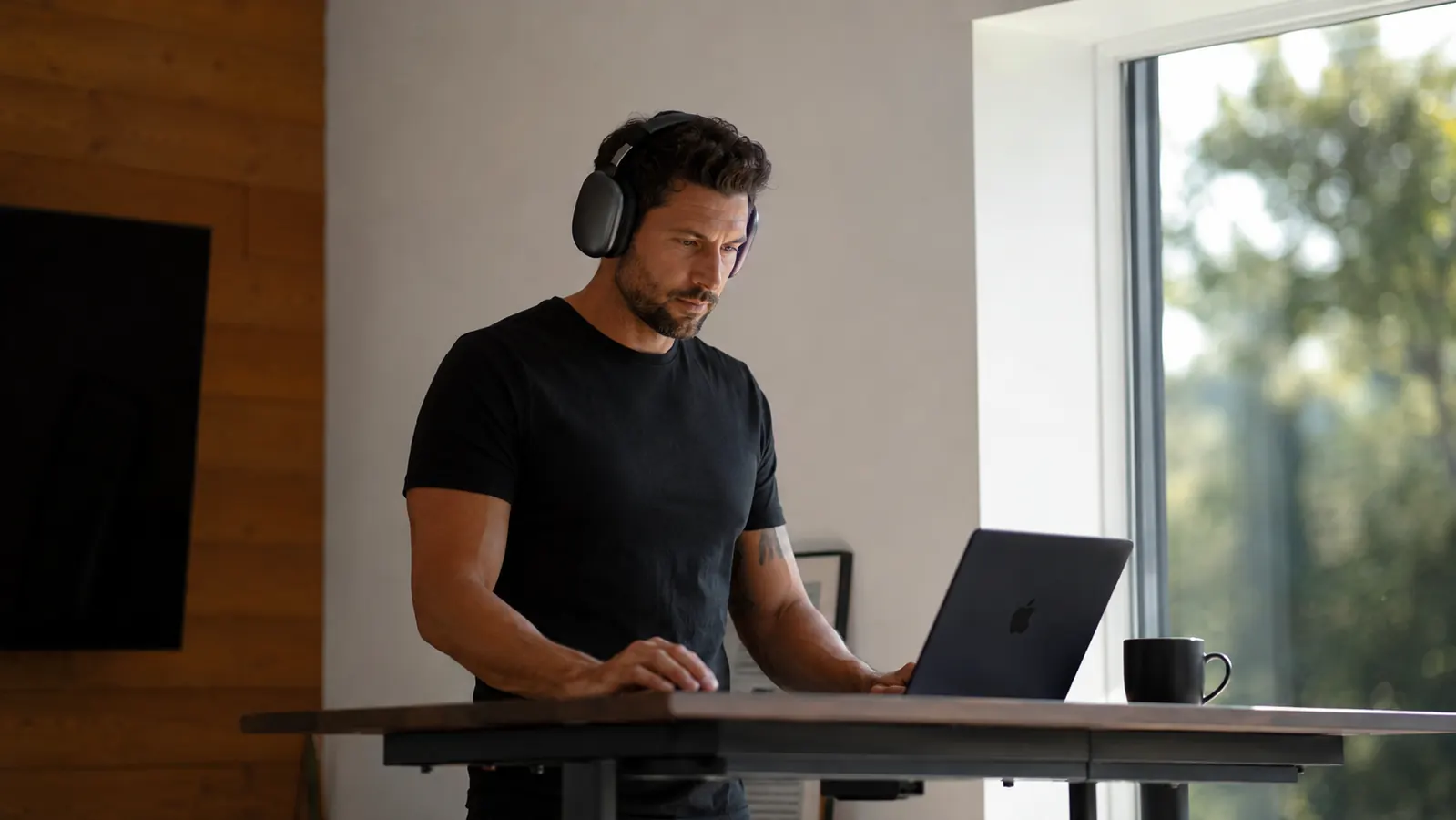
Every serious founder has lost a deal, blown a deadline, or produced mediocre work because the environment would not cooperate. An HVAC system cycling on. A co-working neighbor on speakerphone. Kids in the next room. Construction outside. None of those things care about your calendar. You have about four hours of genuine high-output cognitive work available each day, and distractions are eating them. The good news is that fixing the acoustic layer of your work environment is a one-time purchase and a five-step habit change. This guide walks through both.
The Sony WH-1000XM5 is the tool I recommend for this system. It is not the cheapest option, and I will tell you exactly why cheaper alternatives fall short in a real work context. With 4.2 stars across more than 19,000 reviews on Amazon, it is the most proven professional-grade noise-cancelling headphone available right now. Get that sorted, then follow the five steps below.
Your office is loud. Your headphones should not be an afterthought.
The Sony WH-1000XM5 ships with industry-leading Auto NC Optimizer and 30 hours of battery. Check today's price before your next deep-work block goes to waste.
Amazon Check Today's Price on Amazon →Step 1: Audit Your Distraction Sources Before You Press Play
Most people put on headphones and immediately reach for music. That is the wrong order of operations. Before you pick an audio profile, you need to know what you are actually fighting. Spend one week tracking the interruptions that cost you more than two minutes. You are looking for three categories: ambient noise (HVAC, traffic, construction, office chatter), human interruptions (colleagues, family, deliveries, phone calls), and self-generated noise (your own phone notifications, tab switching, app pings).
Write each instance down in a notepad or the Notes app with a rough time cost estimate. You will find that 80 percent of your lost focus comes from two or three recurring sources, not a broad spread of random chaos. That matters because noise-cancelling headphones address the acoustic layer very well, but they do nothing for a phone buzzing on your desk. Knowing which category owns your distraction problem tells you exactly how much the headphones alone will solve and what other protocol changes to stack on top.
The Sony WH-1000XM5 uses an Auto NC Optimizer that reads your wearing conditions and adjusts cancellation in real time. It works best against steady-state ambient noise: HVAC hum, open-plan office chatter, coffee-shop background noise, and air travel. It is less effective against sudden sharp sounds like a door slamming or a phone ringing at close range. Know that going in so you are not surprised when it happens.
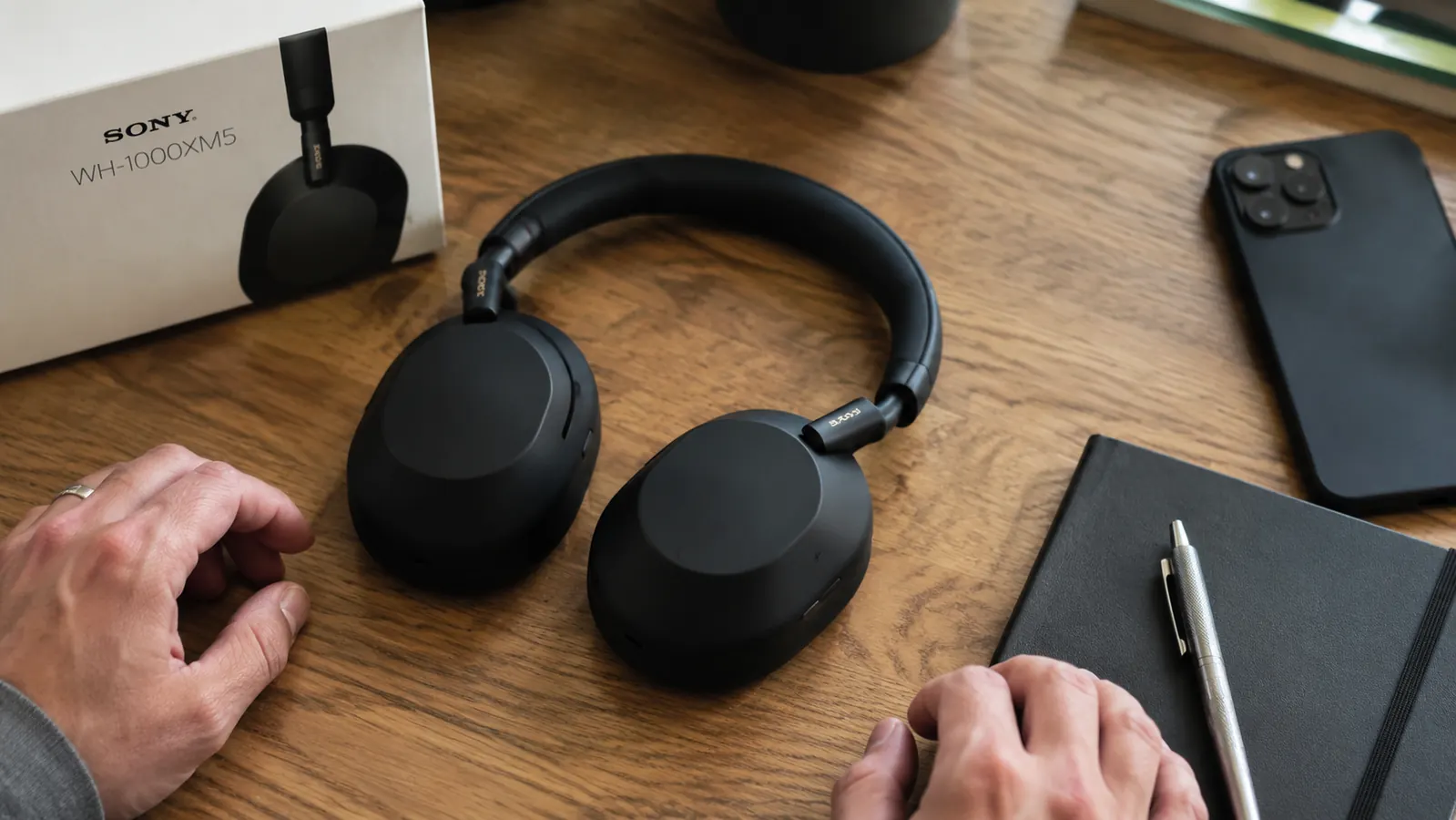
Step 2: Configure the Headphones for Your Work Context, Not the Commute
Consumer headphones are tuned for commuters, not desk workers. The default EQ on most models is bass-heavy because it sounds impressive in a store demo. For deep work, you want a flat or slightly mid-forward profile that does not fatigue your ears over two-hour sessions. Open the Sony Headphones Connect app and switch the equalizer to "Flat" or create a custom preset that reduces the bass shelf by two to three points.
Next, configure the noise cancellation level. The XM5 lets you dial in an "Ambient Sound" blend, which is useful if you need to stay aware of your physical space, and a full NC mode for complete acoustic isolation. For most entrepreneurs, the protocol is this: full NC for deep-work blocks, Ambient mode at 10 to 15 for meetings and calls, and no ANC when you are in motion around the office. Save each as a quick-access preset so you are not fiddling with the app mid-session. The physical button on the left cup cycles through your saved modes in two taps.
One underused feature: the Speak-to-Chat function automatically pauses your audio and switches to ambient mode when it detects you speaking. If you are frequently pulled into quick verbal exchanges, turn this on. It removes the awkward "let me take these off" moment that breaks your return-to-focus cycle.
Step 3: Build a Time-Blocked Deep-Work Schedule Around Your ANC Sessions
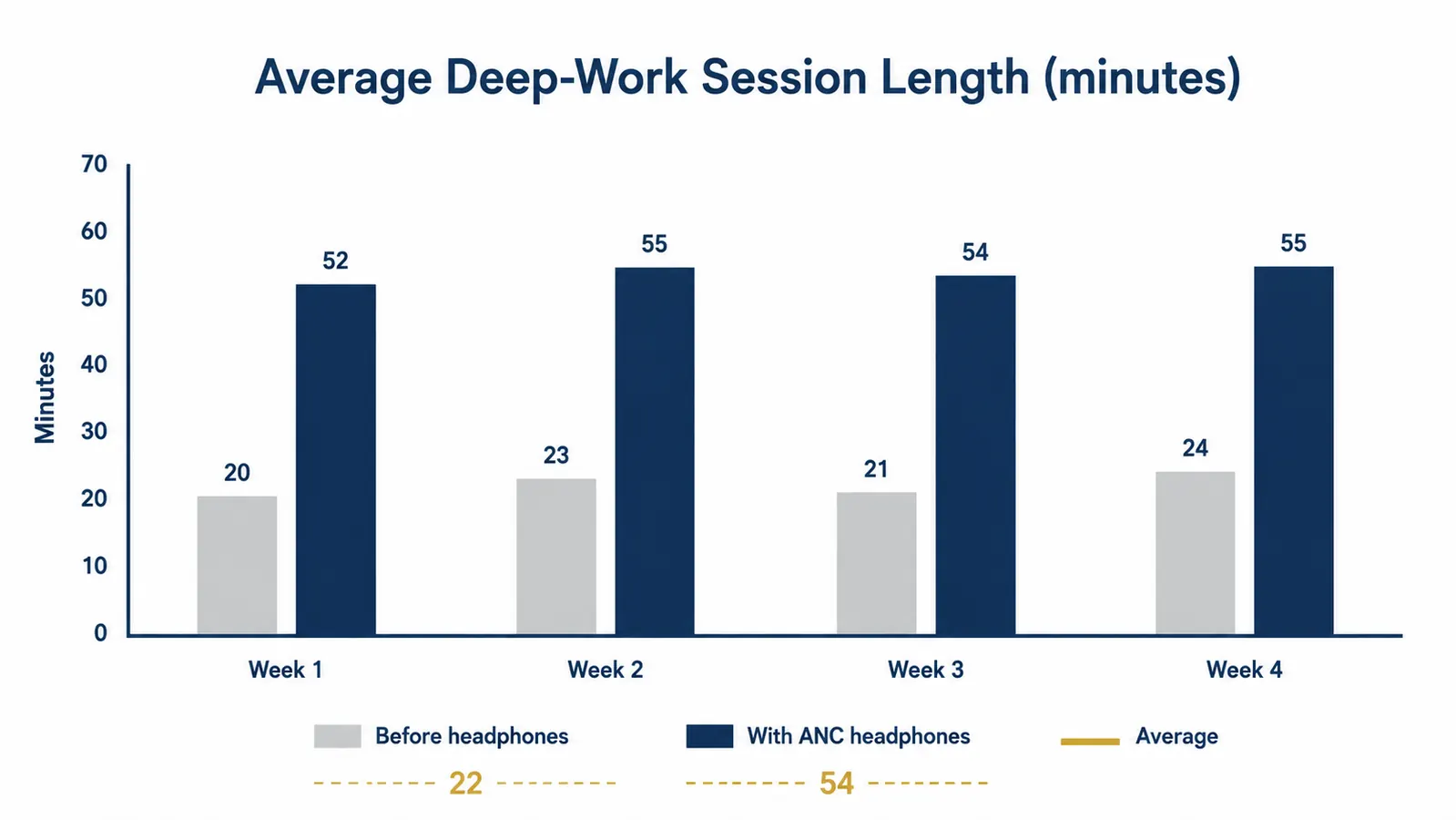
The headphones are a trigger, not a magic fix. They work because they lower the friction cost of entering focus. But without a schedule that protects deep-work time, you will keep them on your head while you answer email, which is not deep work. The system that pairs with noise-cancelling headphones is time blocking: calendar holds for 90-minute blocks where the only task type allowed is your single most important project work.
Here is the structure I use and have seen work for operators across different business types. Monday through Thursday, block two 90-minute deep-work sessions: one starting at 8:30 AM and one at 1:30 PM, both at least two hours before any scheduled meetings. Friday gets one 90-minute block in the morning only. That is 7.5 hours of structured output weekly, which is more high-quality work than most founders accomplish in an entire 50-hour week of reactive inbox management. Put the headphones on at the start of each block as a physical cue to your brain that the mode has changed.
For the internal links on this topic, see our detailed breakdown of why noise-cancelling headphones affect cognitive performance in 10 reasons noise-cancelling headphones boost focus for entrepreneurs. The neuroscience behind the cue-to-focus pathway is worth understanding if you want to build the habit to stick.

Step 4: Handle Human Interruptions with a Visible Protocol
The biggest failure point for home-office founders is not the noise they can cancel electronically. It is the spouse, kid, business partner, or employee who walks in anyway. Headphones on the head does not universally signal "do not interrupt" because most people in your life have never been trained to read it that way. You have to make the signal explicit and consistent.
Pick a visual protocol and announce it to everyone who shares your space or drops by your office. My recommendation: a small desk card or sticky note that reads "Deep Work, 10:30" with the time the block ends. This is more effective than asking people to read your body language, and it removes the social friction of saying no because the sign says no for you. For remote teams, set a calendar status that blocks your availability during deep-work sessions and configure Slack or Teams to auto-reply with a return time. The XM5's two-tap cup sensor to pause audio and activate a quick verbal check-in is good for brief interruptions you cannot avoid. Use it, confirm the interruption is not urgent, and get back in.
The 30-hour battery on the WH-1000XM5 matters here. A charge lasts three to four full workdays of two-hour sessions. You will not face the mid-block scramble for a cable that kills the habit with lesser hardware. Charge once over the weekend and forget it.
Step 5: Use Call Quality as a Second Productivity Multiplier
Founders waste more time on bad calls than almost anything else. The XM5 ships with eight microphones using beamforming and AI-driven noise rejection. That means your voice comes through clean even when you are in a coffee shop, a shared office, or a space with background HVAC. Clean audio on your end reduces the number of repetition requests on a call, cuts average call time by five to eight minutes for a 30-minute conversation, and projects confidence to the person you are speaking with.
Set up your call workflow so the headphones are the default audio device in your operating system, your conferencing app, and your phone. On Mac, open System Preferences, go to Sound, and set Input and Output to the WH-1000XM5. On Windows, right-click the speaker icon, open Sound settings, and set both to the headphones. In Zoom, Google Meet, or Teams, verify that your audio preferences override system defaults and confirm the XM5 is selected each time. It takes four minutes to set up once and saves you the "can you hear me?" routine on every call for the life of the headphones.
One practical note: the XM5 connects via Bluetooth 5.2 and supports multipoint pairing with two devices simultaneously. Pair it to your laptop and your phone at the same time. When a call comes in on your phone, the headphones switch over automatically without you touching anything. When the call ends, they reconnect to the laptop. That seamless handoff is one of those features that sounds trivial until you have lived without it for a year.
What Else Helps
The five steps above handle the acoustic and scheduling layer. Three additional tools round out a complete distraction-elimination setup. First, a browser focus extension like Freedom or Cold Turkey blocks your 10 most visited time-sink sites during deep-work blocks. Set it to activate automatically at the start of your calendar blocks so you cannot override it in a weak moment. Second, a physical notebook on your desk, open and ready, captures the random thoughts that surface during deep work. Instead of opening a new tab to chase them, write the thought down and return to the task. Your brain accepts this as a safe handoff. Third, a consistent entry ritual: same song, same volume, headphones on, notebook open, single task written at the top of the page. The ritual tells your nervous system that focus time has started. Over two to three weeks it becomes automatic.
If you want the full evidence review on what these headphones do to measurable output, the detailed long-term breakdown is in our Sony WH-1000XM5 long-term review. Six months of daily use data and a hard look at what held up and what did not.
You have about four hours of real cognitive output available each day. Noise-cancelling headphones do not create more time. They protect the hours you already have.
The system works. The headphones are the hardware foundation.
Sony WH-1000XM5, 4.2 stars, 19,641 reviews. Thirty-hour battery, Auto NC Optimizer, eight-mic call quality. Check current pricing on Amazon and build your first deep-work block this afternoon.
Amazon Check Today's Price on Amazon →