
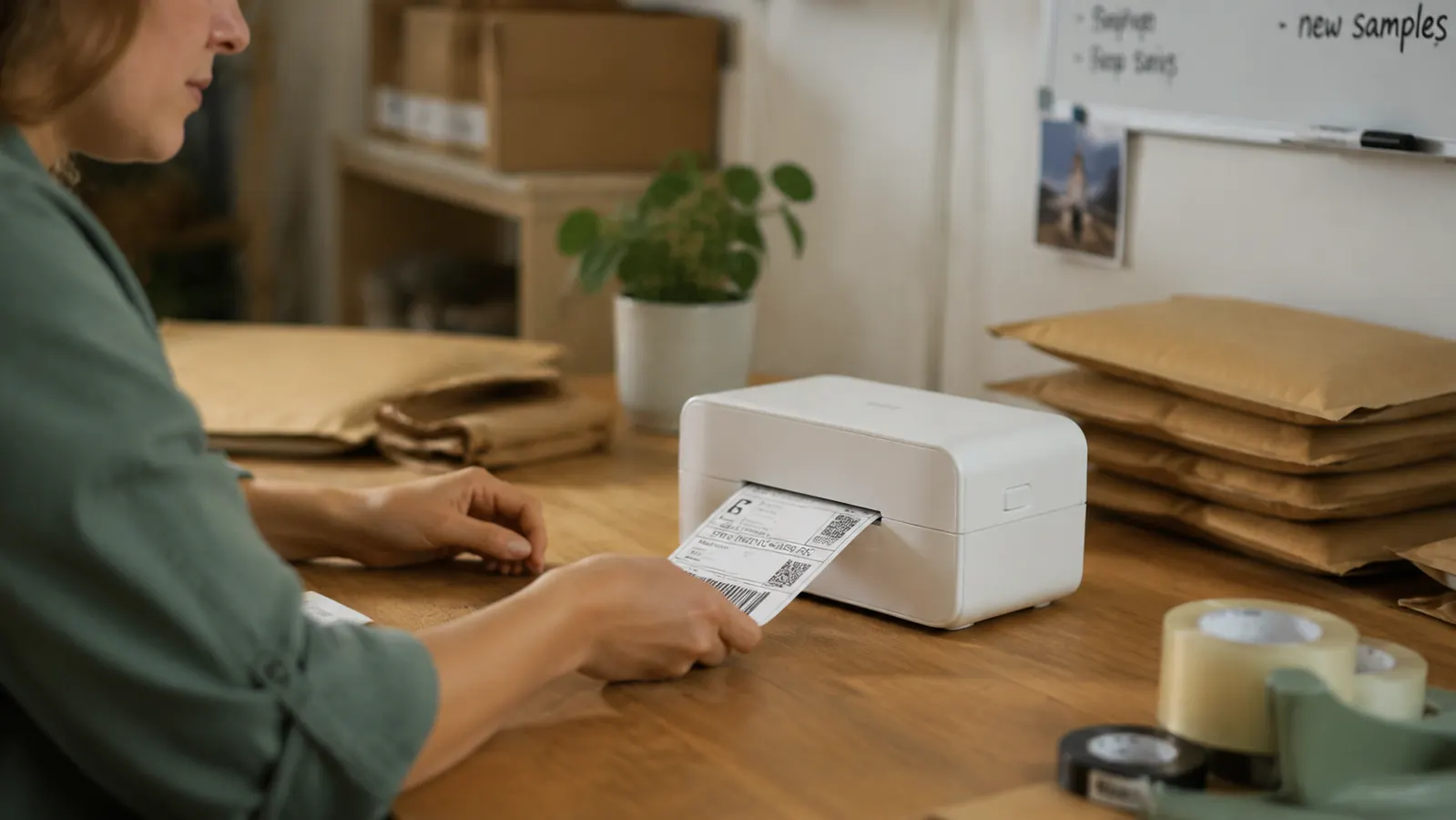
I have talked to dozens of ecommerce sellers who are still printing shipping labels on a home inkjet, cutting them out with scissors, and folding them into a plastic pouch. Every single one of them tells me the same thing once they switch to a dedicated thermal label printer: they cannot believe they waited this long. The Rollo USB thermal printer handles 4x6 labels without ink, without scissors, and without a driver install on most systems. It prints a label in about two seconds. If you ship more than ten packages a week, the math on your time alone justifies the purchase inside the first month.
Below are the ten specific reasons I tell every early-stage ecommerce seller to make this the first equipment purchase after their laptop. These are not abstract productivity tips. Each one is a concrete problem the Rollo eliminates.
Stop losing 30 minutes a day to inkjet labels and scissors.
The Rollo USB thermal printer is rated 4.6 stars across more than 16,000 Amazon reviews from real ecommerce sellers. It works with USPS, UPS, FedEx, Amazon Seller Central, Etsy, and eBay out of the box.
Amazon Check Today's Price on Amazon →No ink cartridges to buy, run out of, or replace mid-shipment
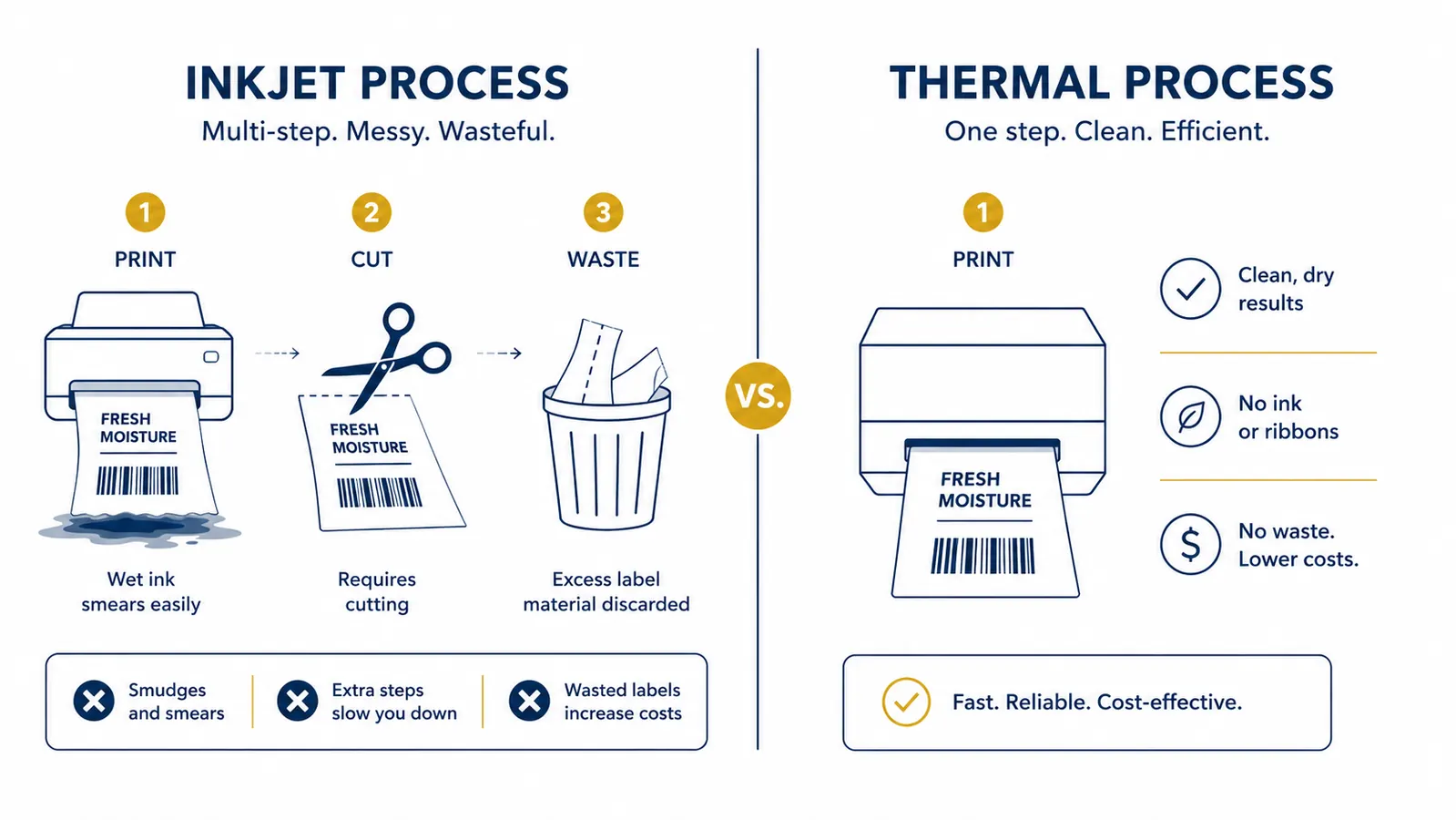
Thermal printers use heat instead of ink. The Rollo has no cartridges, no toner, and no ribbon. There is nothing to run out of mid-Monday when you have 40 orders queued. You buy rolls of direct thermal labels and that is the only recurring cost. A roll of 220 labels typically costs very little. Compare that to inkjet cartridges that cost significantly more and run dry at the worst possible time.
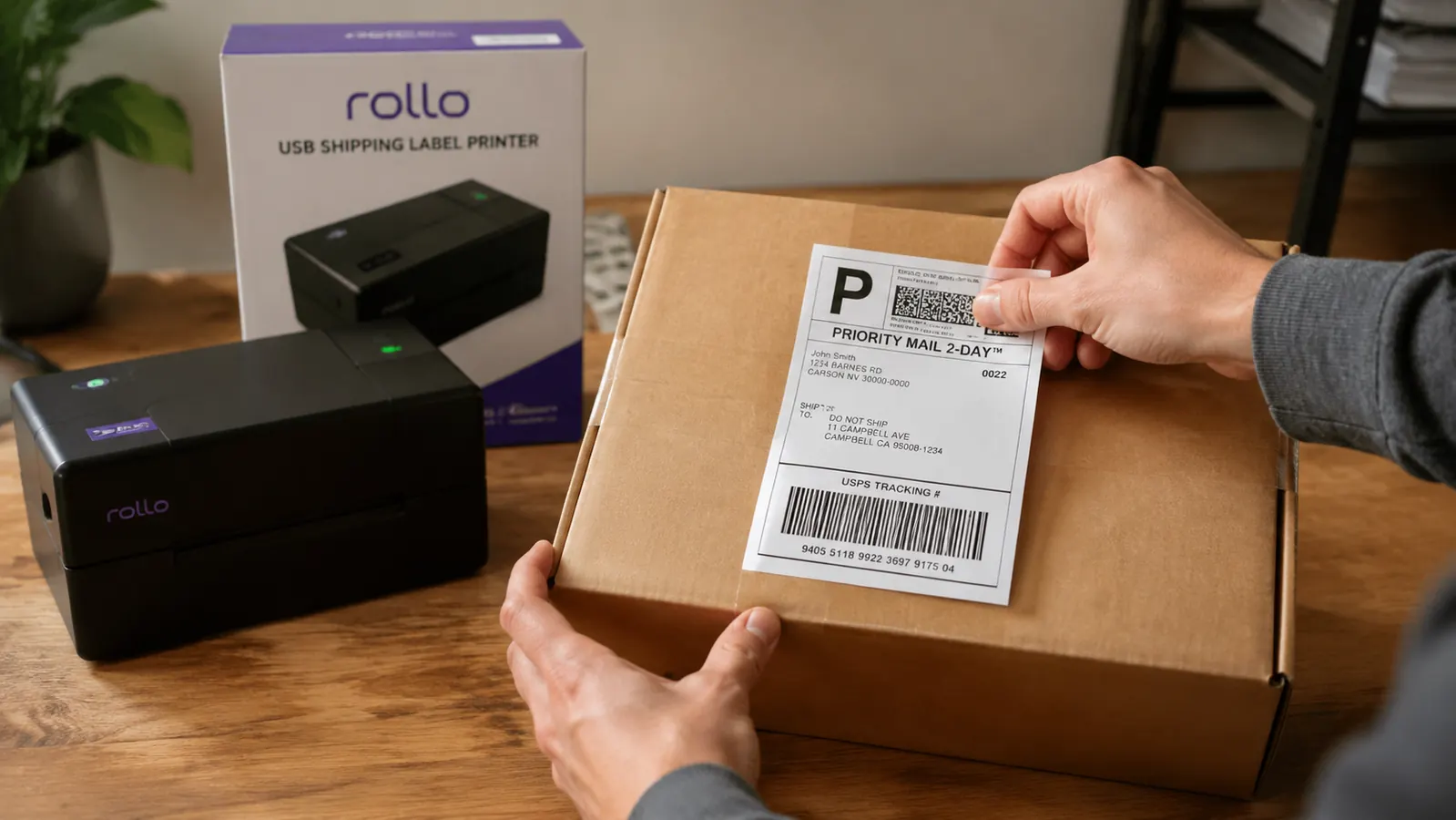
Labels print in under two seconds each
The Rollo prints at 150mm per second. A standard 4x6 USPS label is done before you finish clicking over to the next order. If you are batch printing 50 labels, you are done in roughly two minutes. On a standard inkjet, each label takes fifteen to thirty seconds to spit out, and you still have to wait for it to dry before handling. That gap compounds fast across a busy week.
No scissors, no tape, no label pouches
Standard inkjet labels require you to cut around the label, tape it to the box, or slide it into a clear plastic pouch. Each of those steps is a second or two per package. At 200 packages a month, you are spending 30-plus minutes just on cutting and taping. Thermal labels have a peel-and-stick backing. You pull the label off the roll, peel the liner, and it sticks. That is the entire process.
Compatible with every major platform and carrier
The Rollo works directly with USPS Click-N-Ship, UPS shipping tools, FedEx Ship Manager, Amazon Seller Central, Etsy, eBay, ShipStation, Pirateship, Shippo, and most other shipping software that outputs a PDF or ZPL label. You do not need a special app. You do not need to configure anything unusual. If your shipping platform can print a label, the Rollo can print it.
Setup takes less than ten minutes on Mac or Windows
The Rollo uses a driverless USB connection on most modern operating systems. You plug it in, the computer recognizes it, and you select it as your printer. On Windows 10 and 11, and on macOS Monterey and later, most sellers are printing within ten minutes of unboxing. There is no CD-ROM installer from 2009. There is no manufacturer software suite you have to agree to before anything works.
The Rollo paid for itself in the first two weeks. I was spending 40 minutes every Monday morning on inkjet labels. Now that whole batch takes four minutes.
Thermal labels do not smear, fade, or peel off in the rain
Inkjet labels are notorious for smearing when wet. A box that sits on a porch in drizzle for two hours can arrive with an unreadable address, which triggers a carrier hold or a return. Thermal printing bonds the label image into the paper at a chemical level. It does not smear under moisture. For any seller dealing with weather-sensitive shipping seasons or long transit times, this alone is worth the switch.
The label size is standard across every major carrier
USPS, UPS, FedEx, and most regional carriers all use 4x6 inch labels. The Rollo prints exactly this size, natively. No scaling, no cropping, no fiddling with paper size settings in your browser every single time. This sounds minor until you spend 45 minutes troubleshooting why your inkjet is printing a 3.8-inch label with a white border that makes the barcode unscannable at the counter.
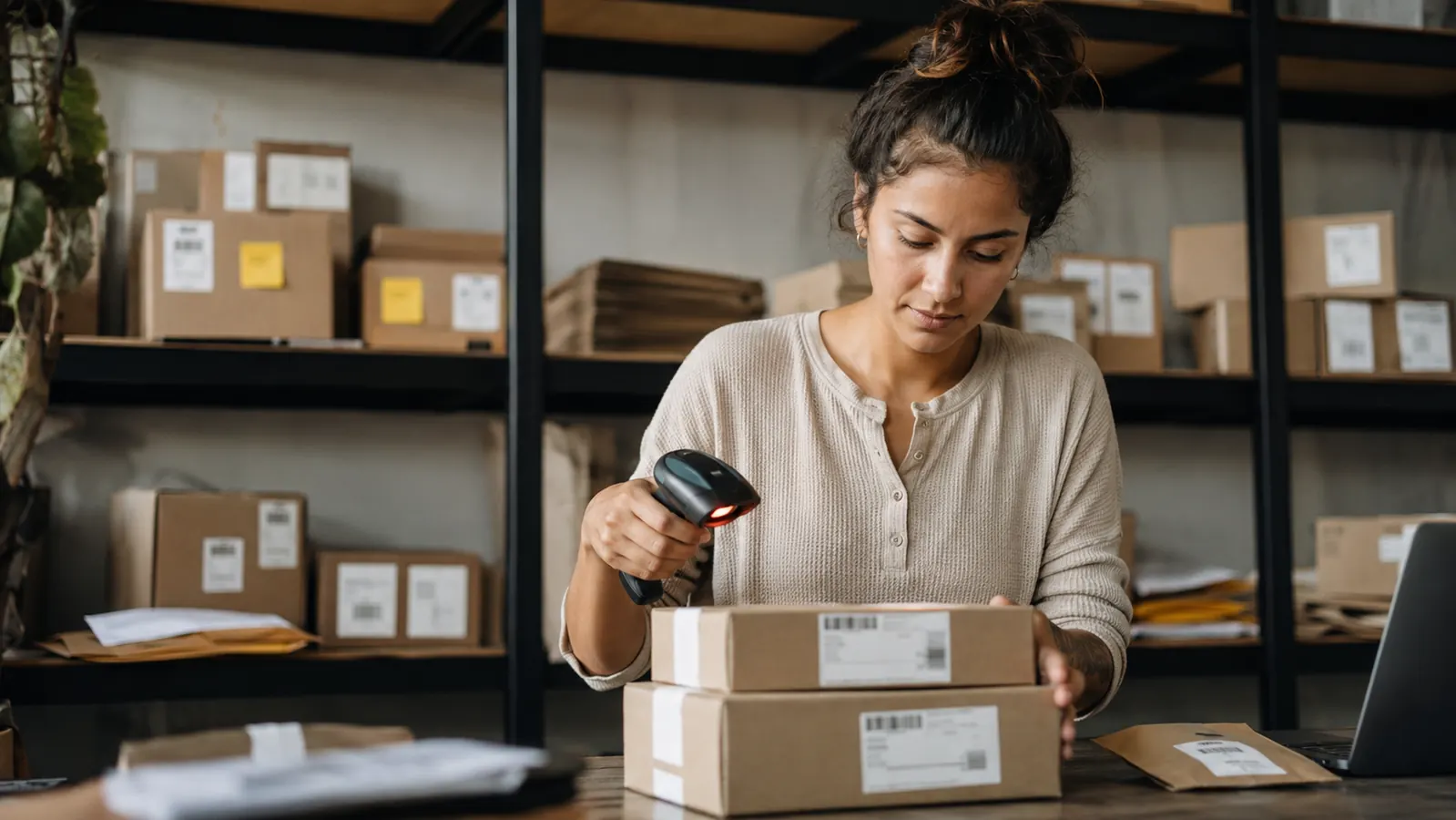
It frees up your regular printer for actual business use
When your inkjet is your shipping label printer, it is also the printer you are juggling for invoices, contracts, proposals, and anything else that needs paper. Every label print job means switching paper sizes, changing settings, and hoping nothing jams. A dedicated label printer removes shipping from that machine entirely. Your regular printer goes back to printing documents at whatever size it wants, and your label printer handles the labels without competing for the same queue.
The unit cost per label is lower than inkjet sheets
A pack of 100 inkjet shipping label sheets runs in the mid-range, before factoring in ink cost. Ink cost per label is several cents on a standard inkjet, giving you a per-label cost in the higher range. A roll of 220 direct thermal labels for the Rollo costs much less, or about a fraction of that per label. At 200 labels a month, that is a savings of roughly mid-range per month on consumables alone.
It signals to your operation that shipping is real infrastructure
This one is less tangible but I think it matters. When your packing station has a dedicated thermal printer, a scale, and a label roll, your shipping process looks like a process. It is repeatable. You can hand it to someone else. You can document it. The sellers I have seen struggle with scale are often the ones still running fulfillment off their desktop printer. Treating shipping as infrastructure from the start, even at low volume, builds the habit of building systems rather than doing everything ad hoc.
What I Would Skip
The Rollo does not print in color, which rules it out for branded packaging inserts or custom hang tags. It also requires a USB connection, so if your packing station is not near a computer, you will need to run a cable or pair it with a small dedicated laptop or tablet. The Rollo Wireless model exists if the USB cord is a real constraint, but it costs more and adds a setup step. For most early-stage sellers, the USB version is the right call. If you want a full look at long-term performance, the Rollo long-term review covers six months of real shipping volume in detail. And if you want the exact step-by-step setup process for Amazon, Etsy, and eBay, read the how-to guide for printing with the Rollo.
The Rollo is the label printer that 16,000-plus ecommerce sellers rated 4.6 stars.
Thermal printing, no ink costs, driverless USB setup, works with every major carrier and platform. If you ship packages regularly, this is the one piece of equipment that pays for itself immediately.
Amazon Check Today's Price on Amazon →